
 JsonCutImages & video
Design images and videos. Deliver every version.
Design in the studio or start with the AI Director. Every layer stays editable, and one project becomes personalized versions for every channel, customer or campaign.
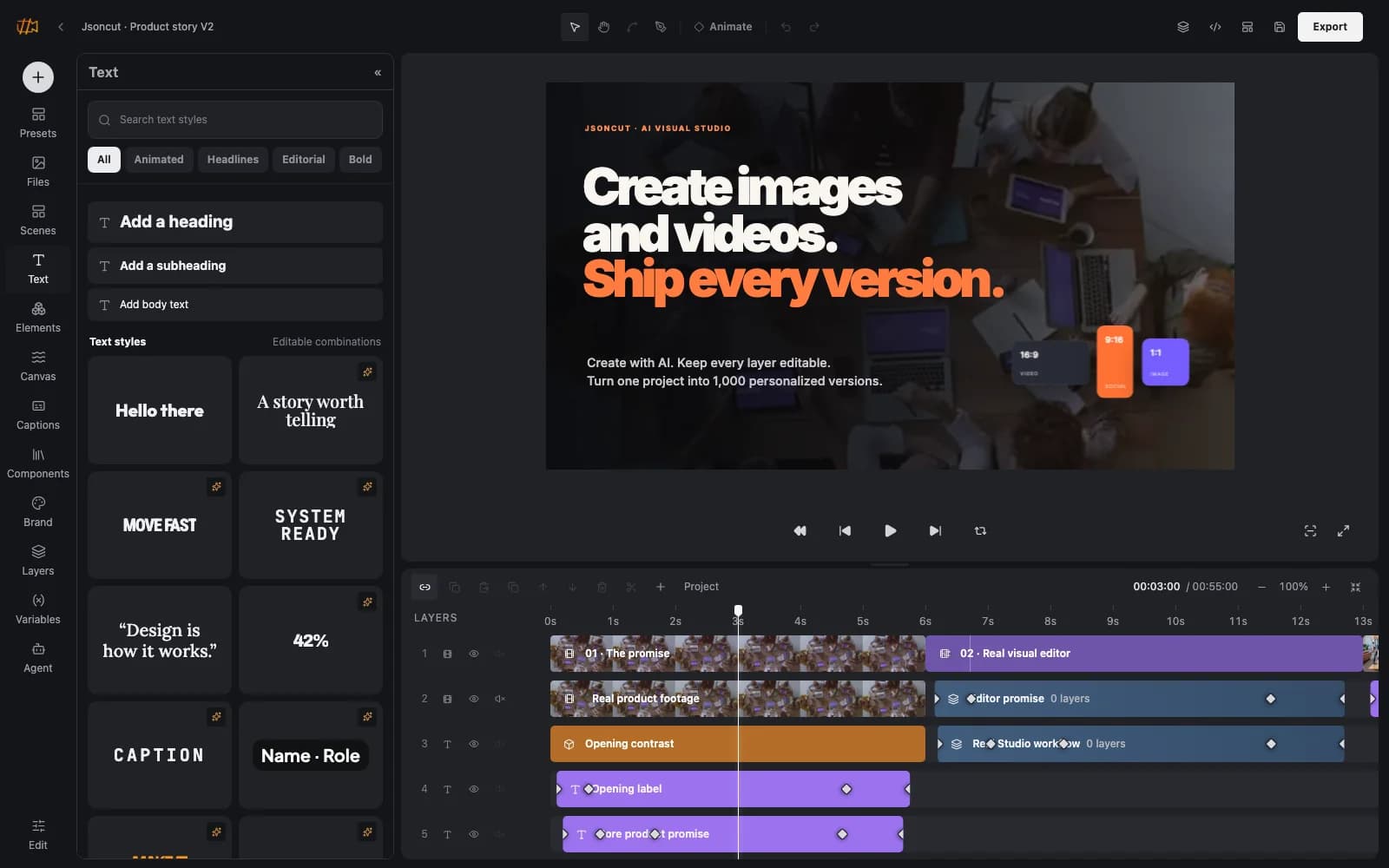
Full creative control
Timeline, keyframes, captions, layers and masks for people who want control over every detail.
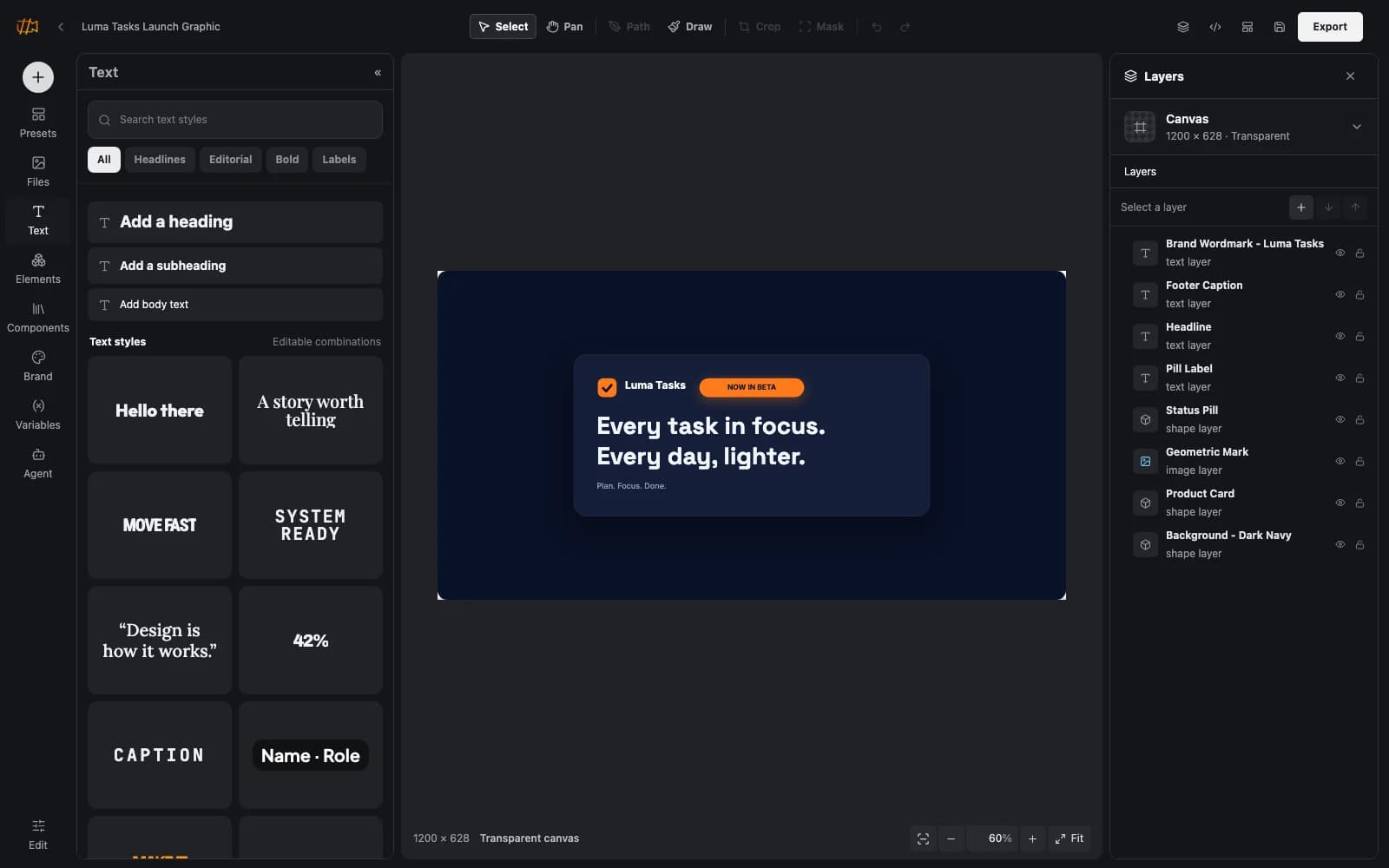
AI drafts stay editable
The AI Director builds first drafts you refine layer by layer, not flat, finished renders.
One design, every version
Templates with variables, bulk generation and a render API turn one design into every version you need.
One design, many versions
Your team designs in the studio, AI agents work via MCP and workflows supply data through the API. JsonCut renders images and videos for every channel.
 JsonCutStudio and render API
People, agents or workflows
JsonCutStudio and render APIFinished media
Features at a glance
Video studio
Timeline editing with keyframes, captions and voiceover for social clips, ads and explainer videos.
Image studio
Layers, masks and background removal for product shots, social posts and campaign assets.
AI Director
Describe what you need and get an editable first draft built from scenes, text and media.
AI image and clip generation
Generate images and short video clips right inside the project when stock media falls short.
Templates and bulk generation
Define variables once and generate personalized versions from CSV or JSON data.
Render API, SDKs and MCP
Headless rendering with signed webhooks, Python and TypeScript SDKs, a CLI and an MCP server for agents.
Typical use cases
Campaigns in every format
Produce one campaign in 16:9, 9:16 and 1:1 for every channel without rebuilding each version.
Personalized media at scale
Create images and videos for individual products, events or customers straight from your data.
Media from workflows and agents
n8n, Make or your AI agents create visuals automatically when content, prices or dates change.
Integrations
- Render API
- MCP
 Claude
 ChatGPT
- Python SDK
- TypeScript SDK
- CLI
- Agent Skill
 n8n
 Make
Deployment
- SaaS with EU hosting and storage
- Render API with signed webhooks
- MCP server for AI agents
Rollout with centerbit
JsonCut’s leverage lies in good templates and clean data. We design brand templates with variables and connect them to the sources your media is built from.
- Building brand templates with variables
- Connecting product, event or CRM data
- Automated media pipelines with n8n or Make
- Agent workflows that create and review media
Frequently asked questions
Do I need design skills?
No. Start from a template or let the AI Director build a first draft, then adjust whatever you need.
Can we automate image and video creation?
Yes. Templates with variables, bulk generation, the render API, SDKs, MCP and the n8n and Make nodes cover automated production.
Do AI-generated drafts stay editable?
Yes. Every scene, text and media layer remains editable in the studio.
Get to know JsonCut
Try JsonCut on the product website or talk to us about your use case.